
Book Printing in Pakistan: Cost, Process and Options (2026 Guide)
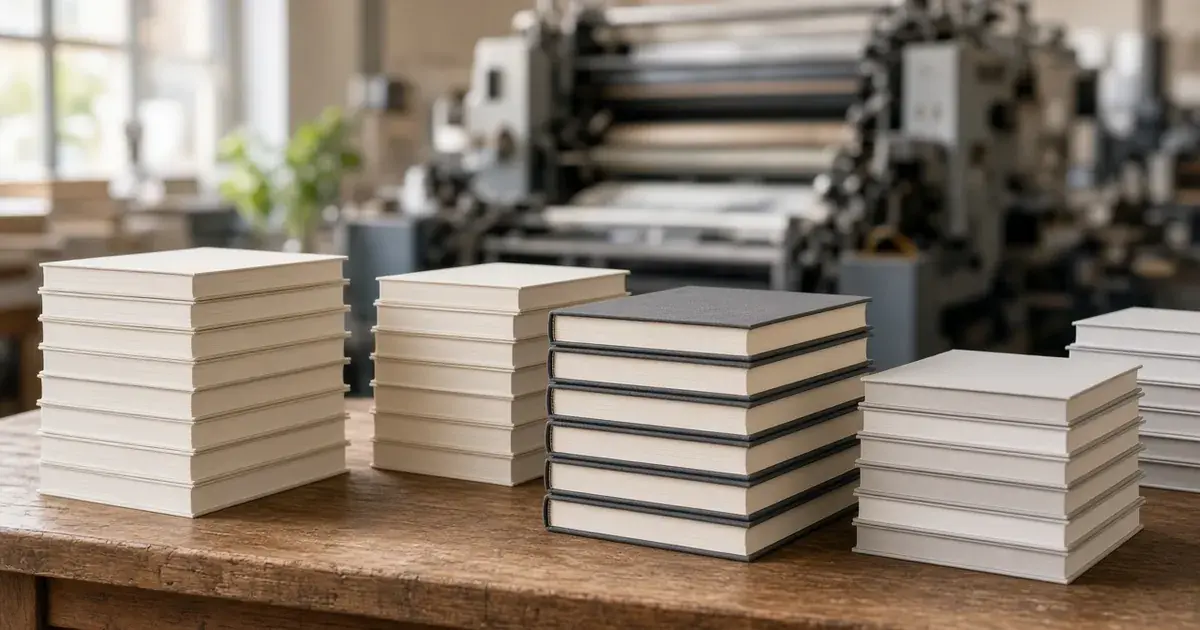
Book printing in Pakistan usually means choosing between digital printing for small runs (a few copies to a few hundred) and offset printing for large runs, then picking paper, size, binding and cover finish. Your final cost per copy depends mainly on page count, colour vs black-and-white, quantity and binding. The simplest route is to prepare a print-ready PDF, ask a printer for a quote on two or three quantities, and check your files carefully before the full run.
This guide walks you through the whole process, the options you will be asked about, and what actually drives the price, so you can talk to any printer in Karachi or elsewhere in Pakistan with confidence.
Who Needs Book Printing in Pakistan?
Book printing is no longer only for big publishing houses. Today, people who print books in Pakistan include:
- First-time authors printing a novel, poetry collection or memoir.
- Schools, coaching centres and teachers printing notes, workbooks and course books.
- Students and researchers printing theses, reports and dissertations.
- Companies and NGOs printing annual reports, manuals and corporate publications.
- Families and communities printing a family history, a religious compilation or a commemorative book.
Each of these needs different quantities, quality levels and budgets, which is why understanding your options matters before you ask for a quote.
Digital vs Offset: The First Big Decision
Digital book printing
Digital printing works much like a very large, very precise office printer. There are no printing plates, so setup costs are low and you can print just the copies you need.
Best for: short runs, single copies, self-published authors testing the market, academic material that changes every semester, and print-on-demand.
Pros: low minimum order, fast turnaround, easy to reprint or update. Cons: the cost per copy stays fairly flat, so it becomes expensive compared with offset at large quantities.
Offset book printing
Offset printing transfers ink from metal plates to rubber blankets and then onto paper. Making plates costs money and time, but once the press is running, each extra copy is cheap.
Best for: large runs such as textbooks, distribution titles and bulk corporate orders.
Pros: lowest cost per copy at volume, consistent colour on long runs. Cons: higher setup cost, longer lead time, and you end up storing more stock.
Rule of thumb: if you need a small number of copies or want to test a book first, start with digital. If you are sure about a large, fixed quantity, ask for an offset quote too and compare. The exact quantity where offset becomes cheaper varies by printer, page count and paper, so always ask for both prices.
Step-by-Step: The Book Printing Process
1. Finalise your manuscript
Finish editing and checking your text before you go to print. Changes after layout are slow, and changes after printing are expensive. For Urdu books, double-check font rendering and right-to-left layout carefully.
2. Choose trim size and page layout
Common choices include A5 for novels and poetry, A4 for workbooks and reports, and other custom sizes for special projects. Set your margins, gutter (the inner margin near the spine) and page numbers to match the size you choose.
3. Prepare a print-ready PDF
Most printers prefer a high-resolution PDF with:
- Fonts embedded.
- Images at around 300 DPI at final size.
- Bleed (usually around 3 mm) if images or colours run to the edge of the page.
- A separate cover file whose spine width matches your page count and paper.
If you do not have design skills, ask your printer whether they offer layout and cover design support.
4. Pick paper, binding and finish
This is where most of your choices and cost differences happen (see the next section).
5. Request a quote
Share your page count, size, colour or black-and-white interior, paper type, binding, cover finish and quantity. Ask for prices on two or three quantities, for example 50, 100 and 300 copies, so you can see how the per-copy cost changes.
6. Double-check your final files
Before you confirm the order, review your final PDF page by page. Look at margins, image quality, colour, spine text and page order.
7. Printing, binding and delivery
Once you confirm the order, the printer produces the run, binds and trims the books, and packs them for collection or delivery.
Book Printing Options Explained
Paper types
- Offset/bond paper (white): the standard choice for text-heavy books, notes and reports.
- Cream or book paper: easier on the eyes and popular for novels.
- Art paper (gloss or matte): used for full-colour pages, photo books and children's books.
Paper weight (GSM) affects thickness, feel and cost. Heavier paper feels premium but increases price and shipping weight.
Binding styles
- Perfect binding (paperback): pages glued into a soft cover. It is the most common choice for novels and general books.
- Hardcover (case binding): rigid boards with a printed or cloth cover. It is durable and premium, and suits gifts, reference books and special editions.
- Saddle stitch (stapled): good for thin booklets and magazines.
- Spiral or wire-o binding: lies flat, which suits workbooks, manuals and notes.
Cover finishes
Matte or gloss lamination protects the cover and changes its feel. Some printers also offer extras such as spot UV or embossing for premium titles.
Colour
A black-and-white interior is far cheaper than full colour. If only a few pages need colour, ask whether you can group them into a colour section to save money.
What Affects Book Printing Cost in Pakistan?
We are deliberately not quoting rupee figures here, because paper prices change often and every job is different. These are the factors that move the price:
- Page count: more pages means more paper, ink and binding time.
- Interior colour: full colour costs significantly more than black-and-white.
- Quantity: per-copy cost falls as quantity rises, especially with offset.
- Paper type and GSM: art paper and heavier stock cost more.
- Binding: hardcover costs more than paperback, and paperback usually costs more than stapled.
- Trim size: larger or unusual sizes can waste paper and raise the cost.
- Finishing extras: lamination type, spot UV, embossing, jackets.
- Design and formatting help: if you need layout or cover design.
- Delivery: shipping to other cities adds to the total.
Money-saving tips: pick a standard size, keep the interior black-and-white where possible, print a small digital batch first, and get a quote on more than one quantity.
Book Printing in Karachi with Bookberry
Bookberry is a Karachi-based online bookstore and printing service. According to our About Us page, our book printing services include custom book printing, educational book printing, corporate publication printing, hardcover and paperback printing, bulk printing, and premium finishing and binding options. New authors are always welcome.
To start a project, visit our custom book printing page or contact us:
- Office: Office # 53/54, 4th Floor, Idrees Chamber, I.I Chundrigar Rd, opp. NBP Head Office, Lalazar, Karachi, 74400
- Phone/WhatsApp: +92 334 4426657 (also on WhatsApp for book printing orders)
- Email: [email protected]
- Hours: Mon–Sat, 11:00am–8:00pm
What to expect when you print with Bookberry:
- No minimum order: you can print a single copy, and we also take bulk orders.
- Digital and offset printing: both are available, so short runs and large runs are covered.
- Turnaround: 3–5 working days in Karachi and 5–7 working days for other cities.
- Accepted files: PDF, PSD and Illustrator (AI).
- Design and formatting help: available if you need support with layout or your cover.
Looking for reading inspiration while your book is at the press? Browse our English books, Urdu books and academic and educational collections.
Frequently Asked Questions
How much does it cost to print a book in Pakistan?
It depends on page count, colour, paper, binding and quantity. A black-and-white paperback costs far less per copy than a full-colour hardcover, and per-copy prices drop as quantity rises. Share your specifications with a printer and ask for quotes on a few quantities.
Can I print just one or a few copies of my book?
Yes. At Bookberry there is no minimum order, so you can print a single copy. We also take bulk orders. Keep in mind that per-copy costs are generally lower at higher quantities.
What file format do I need for book printing?
Most printers ask for a high-resolution PDF (Bookberry accepts PDF, PSD and Illustrator AI files) with embedded fonts, roughly 300 DPI images and bleed where needed, plus a separate cover file sized to your spine width.
Digital or offset printing: which is better for my book?
Digital suits small runs, testing and frequent updates. Offset suits large fixed quantities where you want the lowest cost per copy. Compare quotes for both if you are printing in larger numbers.
How long does book printing take?
At Bookberry, book printing orders take 3–5 working days in Karachi and 5–7 working days for other cities.
Kya Bookberry book design aur formatting mein madad karta hai?
Ji haan. Agar aap ke paas sirf manuscript hai, to Bookberry design aur formatting mein madad kar sakta hai. Aap apni files PDF, PSD ya Illustrator (AI) format mein bhej sakte hain, aur order ke liye WhatsApp +92 334 4426657 par rabta kar sakte hain.
Final Thoughts
Printing a book in Pakistan is very manageable once you understand the main choices: digital or offset, paper, binding and finish. Finalise your manuscript, prepare a clean PDF, compare quotes on more than one quantity and review your final files carefully. If you plan to sell your book through shops, it is also worth reading what an ISBN is, from the International ISBN Agency.
Ready to print? Get in touch through our custom book printing page.

Comments (0)